
获取官方客户端:各平台安装入口
Official Client: Install Options for Every Platform
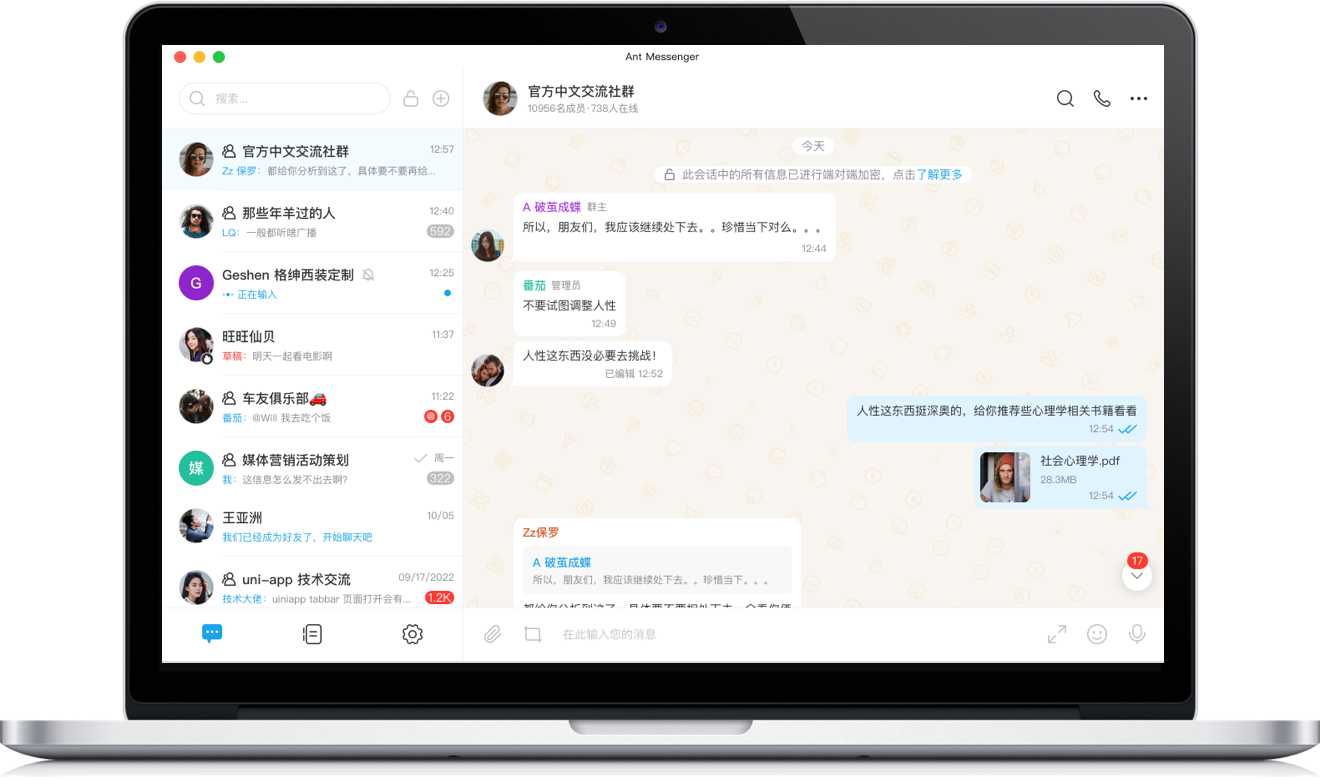
Windows版
Windows
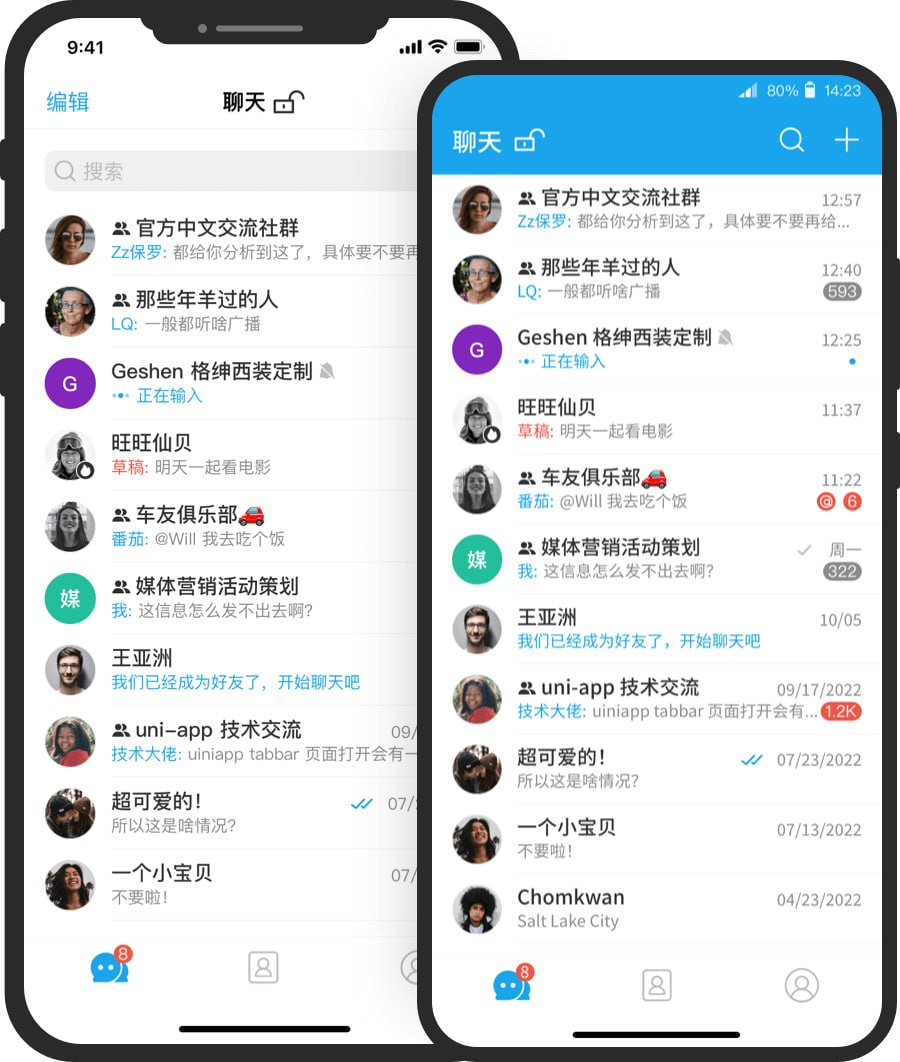
手机版
Mobile
客户端的安全设计要点
Security Design Highlights
端到端加密
End-to-End Encryption
加密与解密仅发生在端点设备,传输与存储均为密文,任何中继、服务器或旁路监听都无法还原明文。
Encryption and decryption occur only on endpoint devices; everything in transit and at rest is ciphertext, unrecoverable by relays, servers, or eavesdroppers.
端点防护机制
Endpoint Protection Mechanisms
防截屏、阅后即焚与应用锁在客户端实施,将信任边界收敛到持有密钥的使用者设备本身。
Screenshot blocking, self-destruct, and app lock are enforced client-side, keeping the trust boundary at the key-holding device.
多平台一致加密
Consistent Encryption Across Platforms
Windows、Android、iOS、macOS 客户端共享同一套加密与身份体系,多端登录时记录以密文同步。
Windows, Android, iOS, and macOS clients share one encryption and identity model; history syncs across devices as ciphertext.
私有化部署模式
Self-Hosted Deployment Mode
支持将完整服务部署到自有基础设施,密钥管理与存储位置均由组织掌控,降低对外部服务商的信任依赖。
The full service can be deployed on your own infrastructure, putting key management and storage under organizational control and reducing third-party trust.
安装与使用机制说明
Installation & Usage Mechanics
Windows 版的运行环境要求?
Windows runtime requirements?
客户端面向 64 位 Windows 10 及以上系统设计,建议保持系统更新,使底层安全补丁与运行库处于最新状态。
Built for 64-bit Windows 10 and later; keep the system updated so security patches and runtimes stay current.
桌面端扫码登录如何工作?
How does desktop QR login work?
先在移动端完成注册登录,再用桌面端展示的二维码完成扫码验证;该流程将桌面设备与既有账号关联,避免在桌面端直接录入账号凭据。
Register and sign in on mobile first, then verify the desktop QR code; this binds the desktop device to your existing account without entering credentials on the desktop.
移动端安装渠道如何选择?
Which mobile channels are safe to use?
优先使用设备官方应用商店;若通过页面入口安装,应确认链接来源。分发环节是仿冒应用的主要注入点,务必保持来源可溯。
Prefer official app stores; when using on-page entries, verify the link source. Distribution is a prime injection point for impostor apps, so keep origins traceable.
哪些机制支撑其安全声明?
What mechanisms back its security claims?
端到端加密限定解密边界,阅后即焚与双向删除控制消息生命周期,防截屏与应用锁约束本机访问,开源实现可供审计验证。
End-to-end encryption bounds who can decrypt, self-destruct and mutual deletion govern message lifecycles, screenshot and app-lock protections constrain local access, and the open-source implementation invites audit.